Quiet audio gets a lift
Boost movies, calls and recordings.
 FluxPulse
Give quiet audio a lift, tune your headphones to your taste, and build a smarter charging routine. Pro adds eight-band EQ, saved profiles and Auto-discharge—all in your Mac’s menu bar.
For Mac. Basic includes audio boost, charge limits and manual discharge. Installation guide
Boost movies, calls and recordings.
Pro EQ, presets and saved profiles.
Choose a limit. Let Pro help maintain it.
FluxPulse Pro
More bass for music. A different balance for dialogue. Save the settings you like and return to them whenever you want.
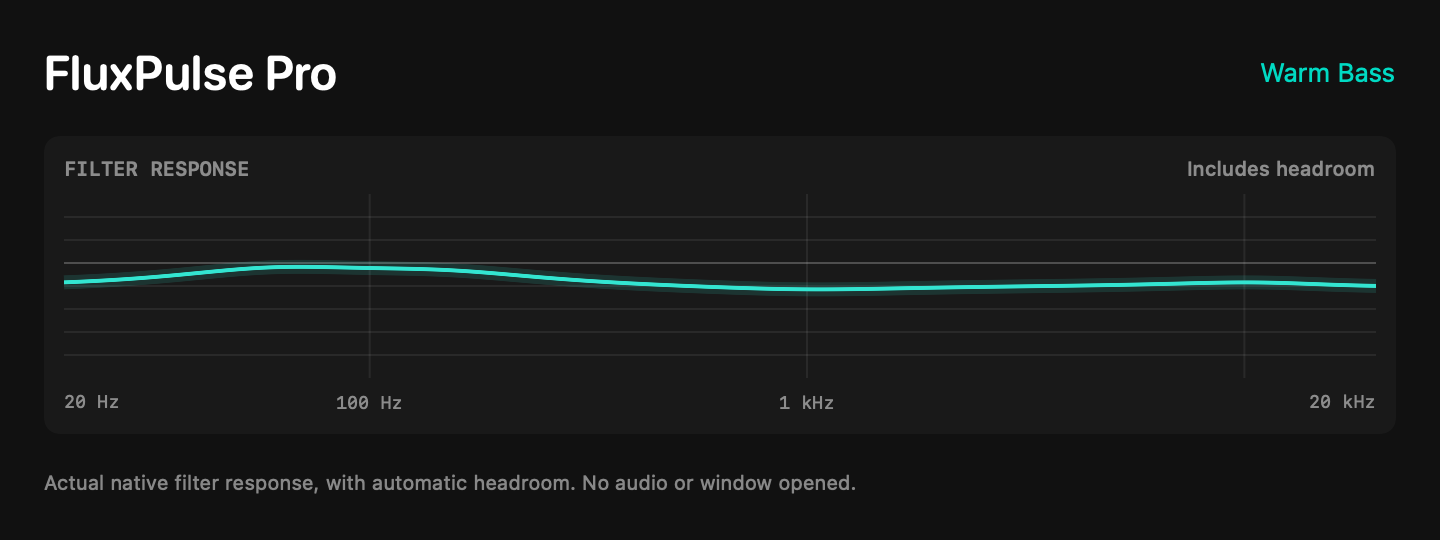
Adjust bass, mids and highs with peaks, shelves and cuts. Automatic headroom makes room for your EQ changes.
Choose from eight listening presets, then adjust to taste. Save up to 32 local profiles for sound settings and an optional charge limit.
Already above your target? Auto-discharge brings your battery back toward your chosen limit while you stay plugged in and work. Your Mac must be awake, FluxPulse running and Maintain Charge Limit on. You choose when to enable it.
Everyday listening
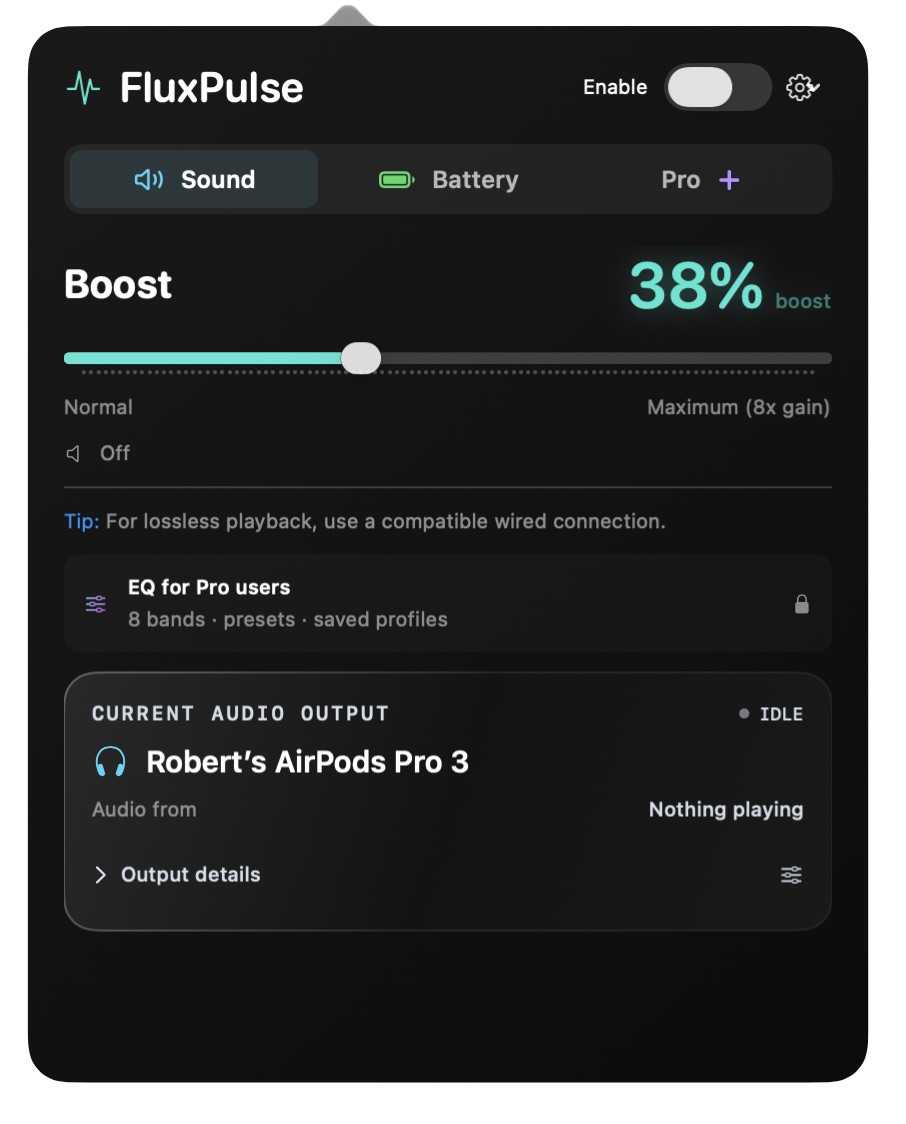
Bring quiet films, calls and recordings into focus. Start with a modest boost and find the level that suits your headphones or speakers.
The slider offers up to 8x signal gain, with peak protection built in. The result depends on your audio and output volume; start low and find a comfortable level.
Choose your output in macOS. FluxPulse follows, while your volume and mute controls stay familiar.
See the selected output and whether audio is active. Open Output details when you want a closer look.
Plugged-in battery care
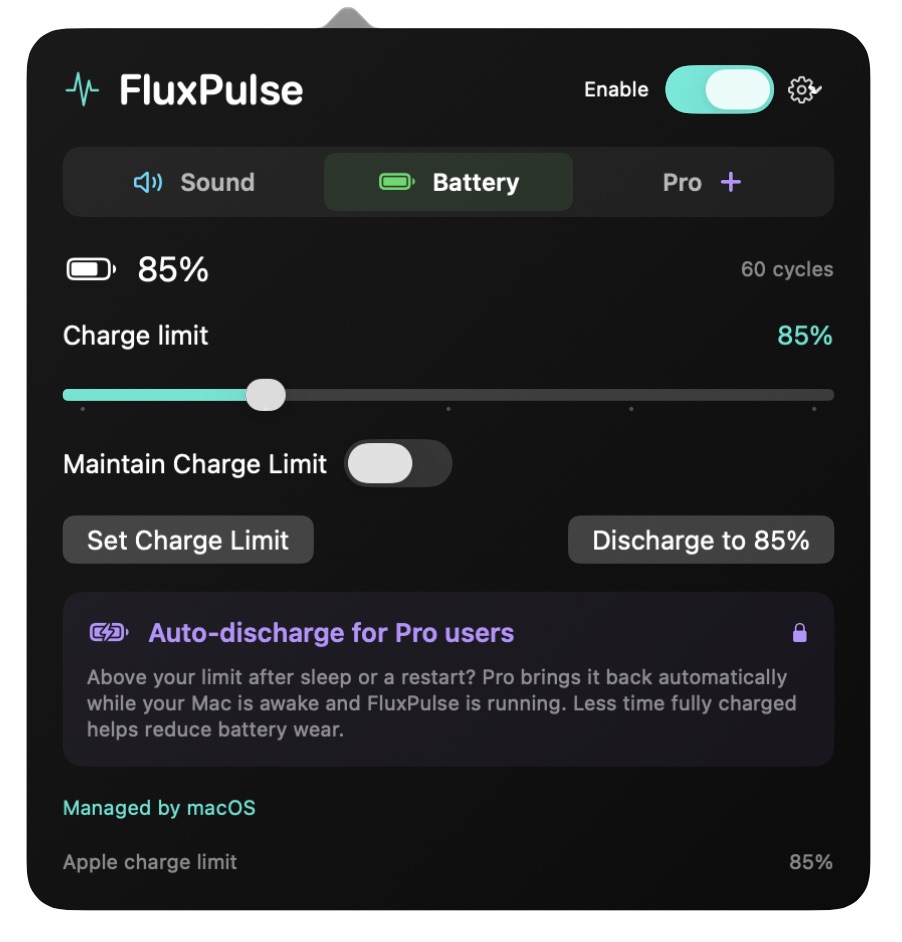
Set a charge limit on supported Macs, or use manual discharge while plugged in. Pro adds Auto-discharge to bring an over-target battery back toward your limit.
Less time at 100%. Apple’s Optimized Battery Charging delays charging beyond 80% to help reduce battery wear. FluxPulse lets you choose your own target on supported Macs. About Apple’s battery charging.
Choose your FluxPulse
A lifetime license. One payment. No subscription.
Lifetime license
$14.99
Lifetime license. One payment. No subscription.
Save your recovery file before checkout. Activate your license in the app after payment.
$0
Audio boost and battery essentials
Audio boost and battery essentials for Mac. Installation guide
License terms · 14-day refund policy · Pro works on up to two personally controlled Macs.
Get the official installer. Check the installation guide for your Mac.
Follow the installer, then open FluxPulse from Applications. The guide explains macOS approval and service setup.
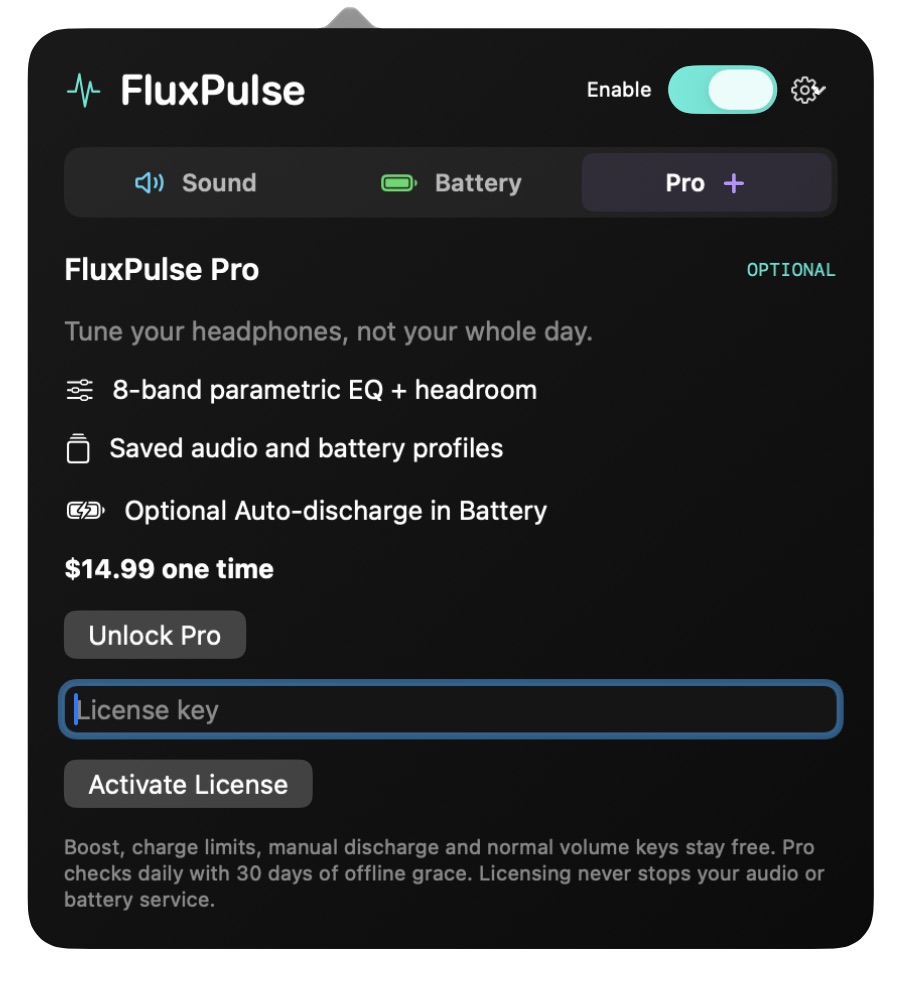
Choose a comfortable boost and charge limit. Activate your license in the Pro tab to unlock EQ and Auto-discharge.
A few helpful answers before you get started.
Shape your sound with eight-band EQ, start from eight listening presets, and save up to 32 local profiles. Pro also adds opt-in Auto-discharge for supported Macs.
Yes. Basic includes audio boost, normal volume and mute, supported charge limits and manual discharge. You can add Pro whenever you want.
Save your private recovery file before continuing to Stripe. After confirmed payment, retrieve your key and paste it into FluxPulse’s Pro tab. Keep the key and recovery file private.
One license supports two personally controlled Macs at a time. Deactivate an old Mac in the Pro tab before transferring a slot. See the license guide for details.
Choose Check for Updates in the settings menu, or turn on automatic update checks. Updates are available to Basic and Pro users; installation may require administrator approval.
Yes. Turn on Open at login in the settings menu. You can turn it off there too.
Audio processing is local. Cloudflare hosts the website and provides Web Analytics; Stripe handles checkout. Pro activation and update checks contact our service.
Privacy noticeSend your Mac model, macOS version and a short description of the issue. Keep passwords, license keys and recovery codes private.
FluxPulseSupport@gmail.comAvailable for Mac. Windows coming soon.